AR is often seen as a technology for marketing and entertainment. But for industries where explaining space, processes, and safety is essential, WebAR can become a practical working tool.
This article is based on and adapted from an original Japanese article by Kuro, a construction industry professional based in Kumamoto, Japan. The original article was published on note on February 27, 2026. You can read the original Japanese version here.
Augmented reality is often treated as something futuristic, experimental, or mainly designed for entertainment.
But for many companies, AR can be much more practical than that.
It can help people understand physical spaces, visualize procedures, explain complex products, support training, and make information easier to experience instead of simply read.
This is especially true for industries that already work with space, movement, objects, equipment, and visual instructions every day.
Construction is one clear example.
A construction company reads drawings, thinks in three dimensions, manages physical environments, explains future structures before they exist, and works with safety conditions that are often difficult to communicate through text alone.
In that sense, construction is already a 3D industry.
That is why WebAR deserves serious attention. It gives companies a way to turn information into something people can see, explore, and understand in a more direct way.
Why AR makes sense for companies that work with physical space
Many business processes still rely on flat documents.
Drawings, manuals, safety instructions, product guides, training materials, and project explanations are often delivered as PDFs, printed sheets, slides, or static images.
These formats are useful, but they have limits.
They ask people to imagine the space, object, movement, or sequence on their own. That is not always easy, especially when the subject is three-dimensional.
In construction, for example, teams need to understand height, depth, interference between structures, safe working distances, movement routes, equipment placement, and the order of operations.
If that information remains flat, misunderstandings can happen.
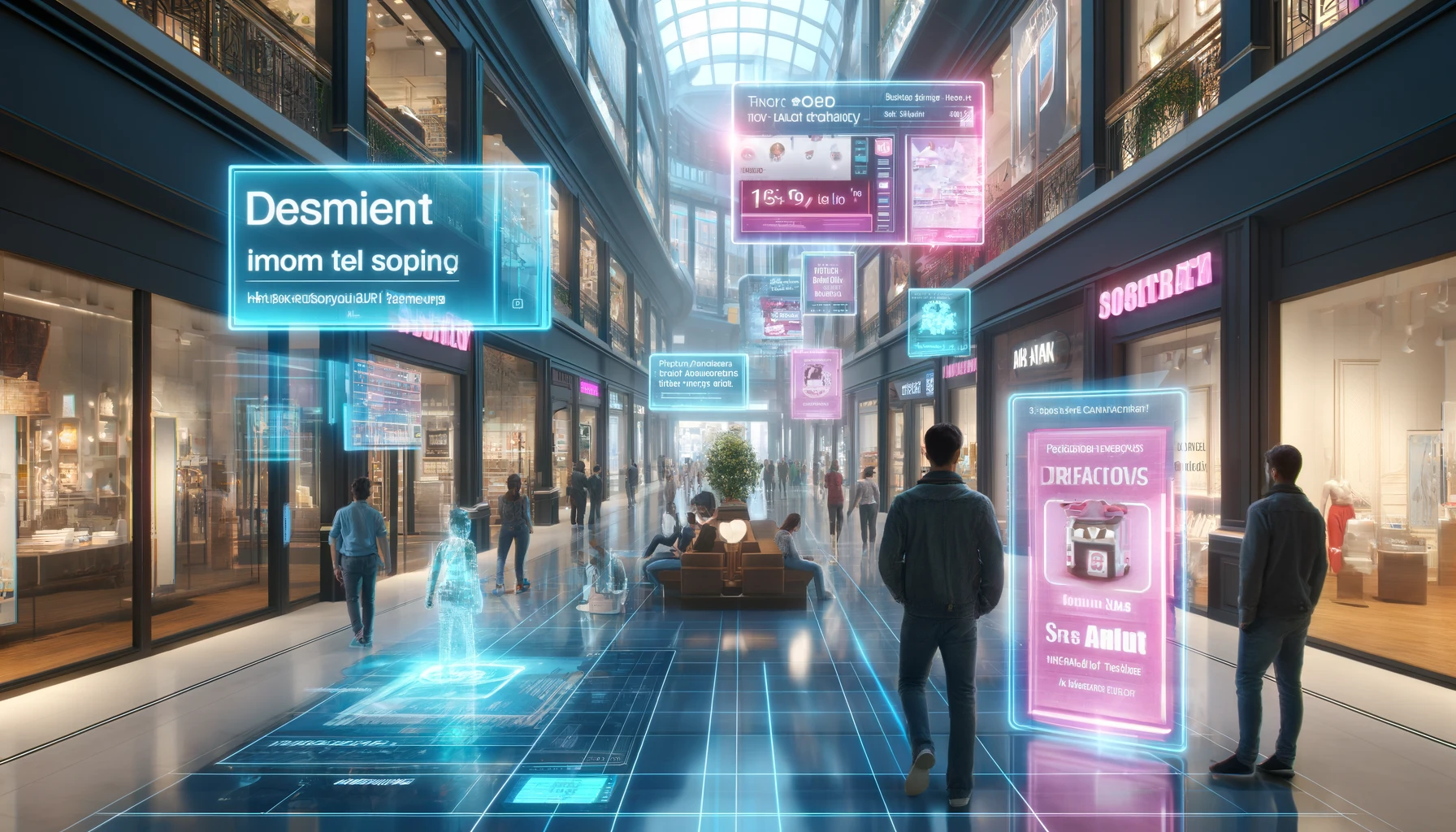
AR helps by placing digital information into a visual context. A model, warning, instruction, animation, or explanation can appear on top of a real-world object, surface, image, label, poster, or space.
The value of AR is not that it looks impressive.
The value is that it makes something easier to understand.
What MyWebAR offers
MyWebAR is a WebAR creation platform developed by DEVAR. Its key advantage is simple: people can open AR experiences directly in the browser, without installing a separate app.
A user can launch an AR experience through a URL or QR code. That makes distribution much easier for companies, educators, event teams, museums, retailers, and creators.
MyWebAR also supports no-code creation, which means teams can build AR experiences without starting from custom development.
The platform supports multiple AR formats, including:
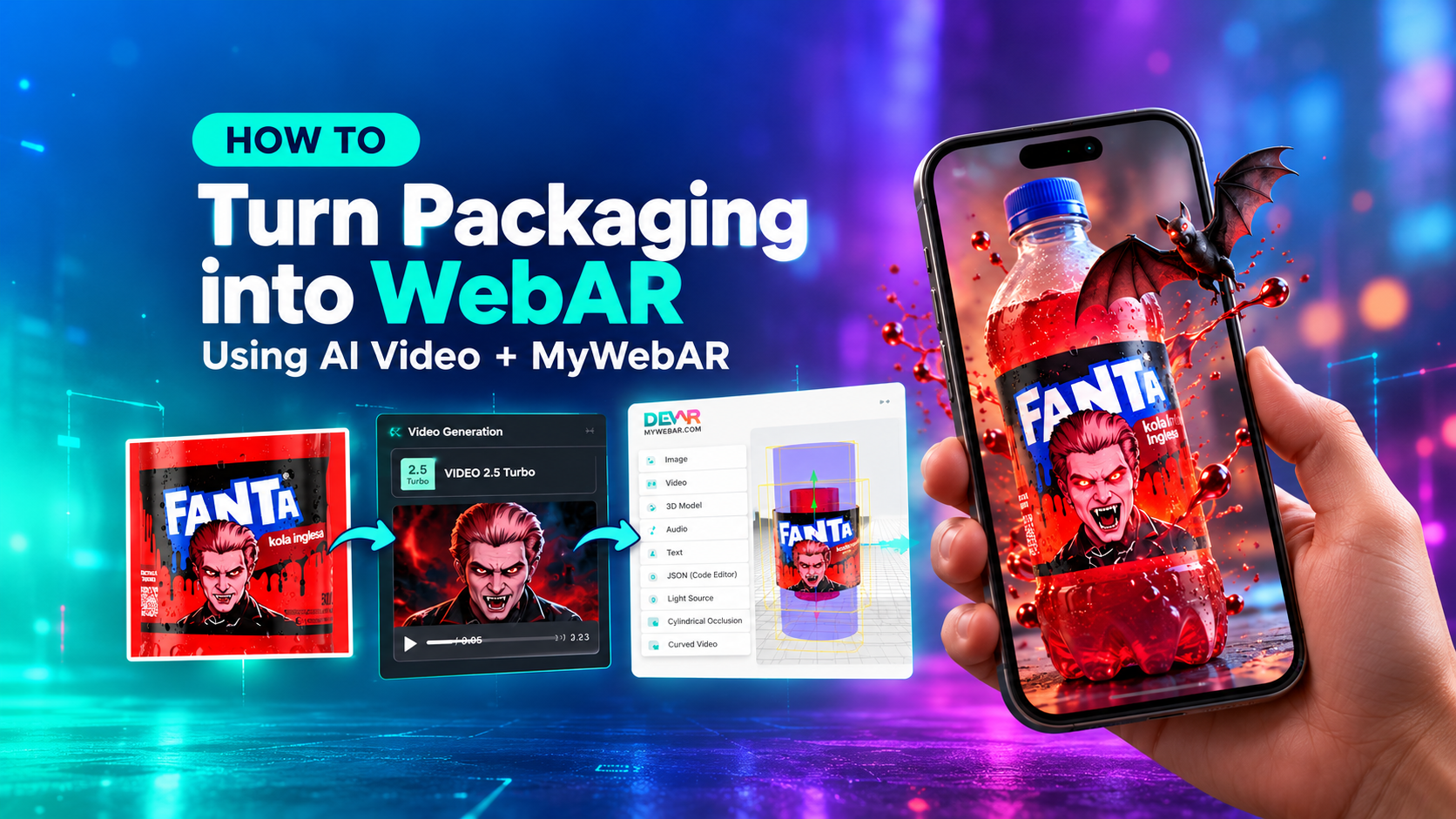
- image tracking for posters, printed materials, packaging, and visual markers;
- world tracking for placing 3D content on floors, tables, and other flat surfaces;
- curved image tracking for bottles, cans, cylindrical objects, and labels;
- face filters for interactive camera-based experiences;
- object recognition for connecting AR content to specific physical objects.
These options matter because AR is not one single use case. A product package, a construction site sign, a museum object, a training manual, and a retail display all need different ways to connect digital content to the real world.
Why WebAR matters
Traditional AR often required users to install an app before they could experience anything.
That extra step can create friction.
Users may not want to download an app for a single experience. Companies may not want to manage device settings or app distribution. Teams may not want to wait for app store review processes. For internal training, events, or customer-facing campaigns, these barriers can slow everything down.
WebAR removes much of that friction.
If the experience runs in the browser, it can be accessed through a simple scan or link. Updates can be made online. Content can be changed without asking every user to download a new version.
For companies, this makes AR easier to test, share, update, and maintain.
That is a practical advantage.
What companies can build with WebAR
WebAR can be useful in many business scenarios.
For training, companies can turn instructions into visual experiences. Instead of asking employees to read a manual, a team can show a 3D model, highlight a specific part, or explain a sequence step by step.
For safety, AR can help visualize risk areas, movement paths, equipment zones, or important warnings. This can be especially useful when a flat document is not enough to explain a real spatial situation.
For product communication, AR can show how an item works, what it contains, how it should be used, or what makes it different. Packaging, labels, catalogs, and retail displays can all become interactive entry points.
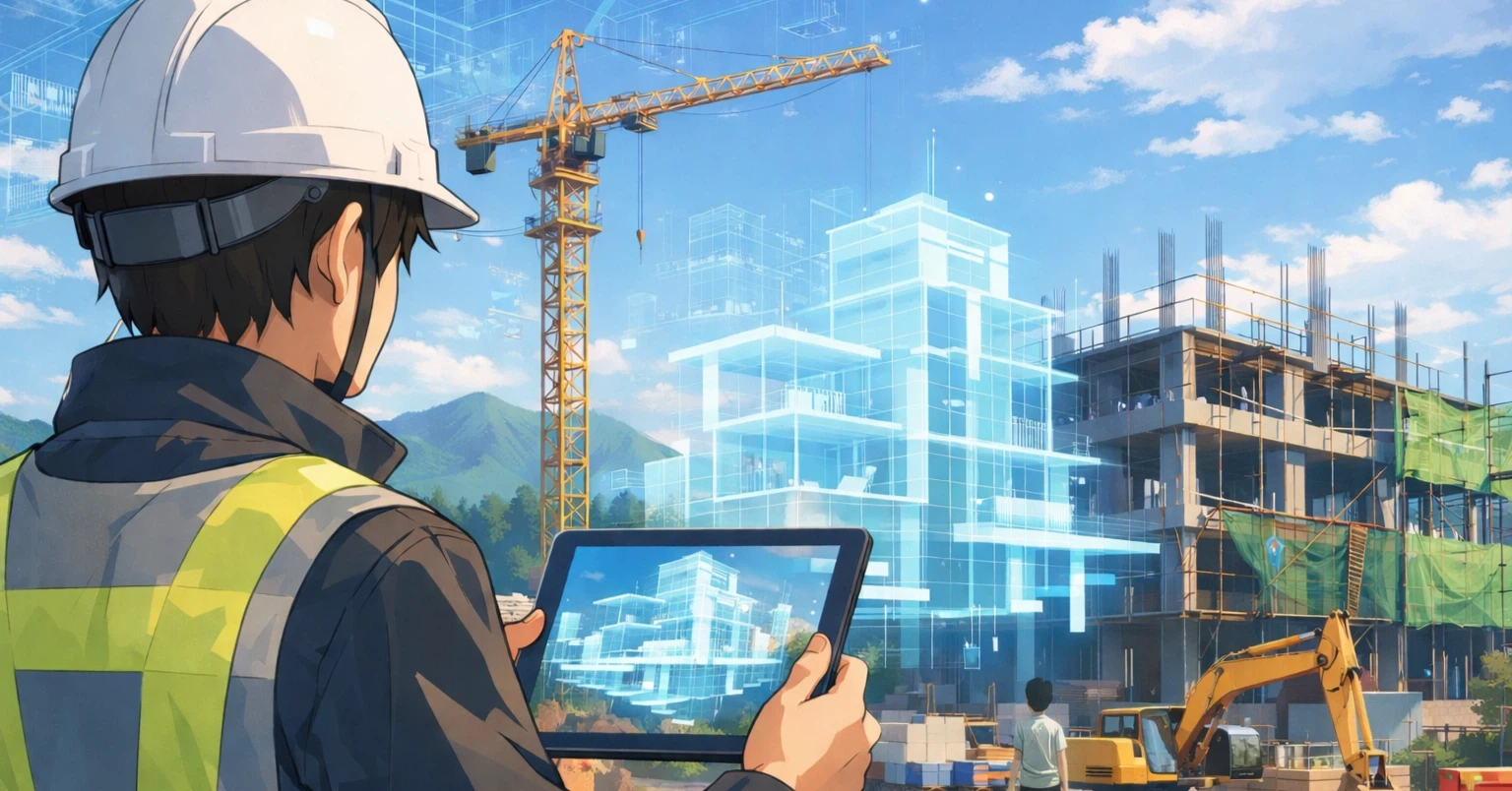
For sales and client presentations, AR can help people understand something that has not been built, installed, or placed yet. A future structure, product, display, or environment can be shown in context instead of described only through images or slides.
For onboarding, AR can make information more memorable. New employees can learn equipment, procedures, spaces, and company processes through guided visual content.
For marketing and events, AR can create interactive moments that visitors open instantly from a QR code on a booth, badge, screen, banner, or printed material.
The common idea is simple: WebAR helps shift information from “read” to “see.”
MyWebAR and ZapWorks: what companies should consider
The original article also compares MyWebAR with other WebAR tools, including ZapWorks, and frames the decision around practical adoption rather than technical complexity alone.
This is the right way to think about AR platforms.
The best tool is not always the most complex one. For many teams, the best tool is the one they can actually use, update, and maintain.
When companies compare WebAR platforms, they should look at questions such as:
- Can the team create AR content without relying on custom development every time?
- Can users open the experience without installing an app?
- Does the platform support the tracking types needed for the project?
- Can the content be updated after launch?
- Is it realistic for the team to keep using the platform over time?
- Does the platform support both simple first projects and more advanced use cases?
For companies outside the software industry, this matters a lot.
A fully custom AR build may offer flexibility, but it also requires developers, maintenance, testing, and long-term technical ownership. A no-code WebAR platform can make adoption faster and more realistic.
The real question is not “Which tool is the most advanced?”
The better question is: “Which tool can our team keep using successfully?”
Why construction is a strong example
Construction shows why AR can be useful beyond marketing.
The industry deals with physical space at every stage: design, planning, site work, safety, client communication, and operations.
Drawings are often two-dimensional, but buildings and infrastructure are three-dimensional. Teams need to understand how objects relate to each other in space. They need to see where something will be placed, how a route will work, where a risk may appear, or what a completed project may look like.
AR can support that understanding.
It can help show a finished concept on site. It can visualize a procedure. It can highlight a safety zone. It can connect instructions to equipment. It can help younger employees develop spatial thinking more naturally.
This does not mean every construction company needs to become an AR company.
It means AR can become part of how companies explain, train, communicate, and reduce misunderstandings.
The same logic can apply to manufacturing, logistics, retail, real estate, education, healthcare training, museums, and product companies.
Wherever people need to understand something physical, spatial, or procedural, AR can help.
AR is not only a trend. It is a way to improve understanding.
AR should not be used only because it is new or eye-catching. It becomes valuable when it solves a real communication problem.
Can it make a process easier to understand?
Can it reduce confusion?
Can it help people learn faster?
Can it make a product clearer?
Can it support safer behavior?
Can it help a team explain something that is hard to show in flat media?
If the answer is yes, then AR is not just a digital effect. It is a practical tool.
The real value comes from planning
A WebAR platform can make creation easier, but the tool alone does not create value.
The value comes from how it is used.
Before starting an AR project, a company should define the goal clearly.
Is the goal training? Safety? Sales? Product education? Brand experience? Event engagement? Client explanation? Internal onboarding?
Each goal requires a different type of content and a different user journey.
A simple AR experience with a clear purpose is usually more useful than a complex one built only to impress.
That is why companies should start with a real use case, test it, observe how people interact with it, and improve the experience over time.
WebAR is especially well suited for this approach because it is easier to launch, update, and distribute.
A practical first step into AR
For companies considering AR, the first step does not need to be large.
It could be:
- a product demo linked from a QR code;
- a training scene for one piece of equipment;
- an interactive poster or manual;
- a safety visualization;
- an AR layer on packaging;
- a simple 3D model placed in the real world;
- a branded experience for an event.
The point is to begin with something specific.
Once a team sees how users respond, it becomes easier to understand where AR can create real value.
Final thoughts
WebAR is not just a short-term digital trend.
It is a practical way to make information more visual, accessible, and interactive.
MyWebAR combines several qualities that are important for real adoption: no-code creation, browser-based access, multiple tracking options, and simple sharing through links or QR codes.
That makes it useful not only for creative campaigns, but also for training, safety, product communication, onboarding, client presentations, and many other scenarios.
AR is at its best when it helps people understand something better.
And for companies that work with physical spaces, real objects, or complex processes, that can make a real difference.
Start Your Own WebAR Project with MyWebAR
If your company works with physical spaces, products, training materials, or visual instructions, WebAR can be a practical way to make information easier to understand.
With MyWebAR, you can create browser-based AR experiences without code, add 3D models, images, videos, audio, buttons, and interactive elements, then share your project with a simple link or QR code.
No app download is required for your audience.
Image source: Kuro on note. Read the original Japanese article here