MyWebAR is a no-code platform designed to enable developers, marketers, and educators to launch interactive AR experiences right from their browser, no apps required.
But even experienced users may not realize the full potential of the platform. Beyond the basics, MyWebAR offers advanced features that greatly expand your capabilities, from AR games to immersive product visualizations and spatial experiments that can be implemented in the real world.
In this article, we’ll highlight six powerful tools that are already available on the platform and ready to use today. Whether you’re building your next MVP, an educational project, or a location-based brand activation, these features will help you achieve more, with less time and less code.
Let’s take a look at six powerful MyWebAR features that you may not have explored yet, but that are already available and ready to use in your next AR project.
1. Stencil Plugins
What it does: Stencil plugins let you create complex visual effects using stencils on 3D models. Combine multiple stencil masks to use 4-6 models in a single scene.
Why it’s important: You’ll have the ability to show up to 6 objects in a single scene. This is a favorite plugin among MyShevA creators who work with retailers and restaurants.
Where to learn more: Innovative Solution for Brands: WebAR Stencil Technology
2. 3D Object Tracking
What it does: This tracking mode anchors AR content to real-world objects of any scale and color, even minimally textured or solid-color shapes, using edge and shape recognition.
Why it’s important: No special markers are required, and surfaces don’t require high contrast. You can use AR on swag, toys, equipment, or retail displays.
Where to learn more: DEVAR announces the industry’s first 3D tracking system for solid-color objects for the web.
3. Curved (Cylindrical) Image Tracking
What it does: Supports AR content on curved surfaces: bottle labels, cans, or cylindrical displays. The system recognizes cylindrical images and overlays animation or 3D effects.
Why it matters: Perfect for beverage packaging, takeaway cups, product displays, branded columns, or 360-degree visuals around cylinders.
Where to learn more: How to Create an AR Project with a Cylindrical Marker
4. Spatial Tracking
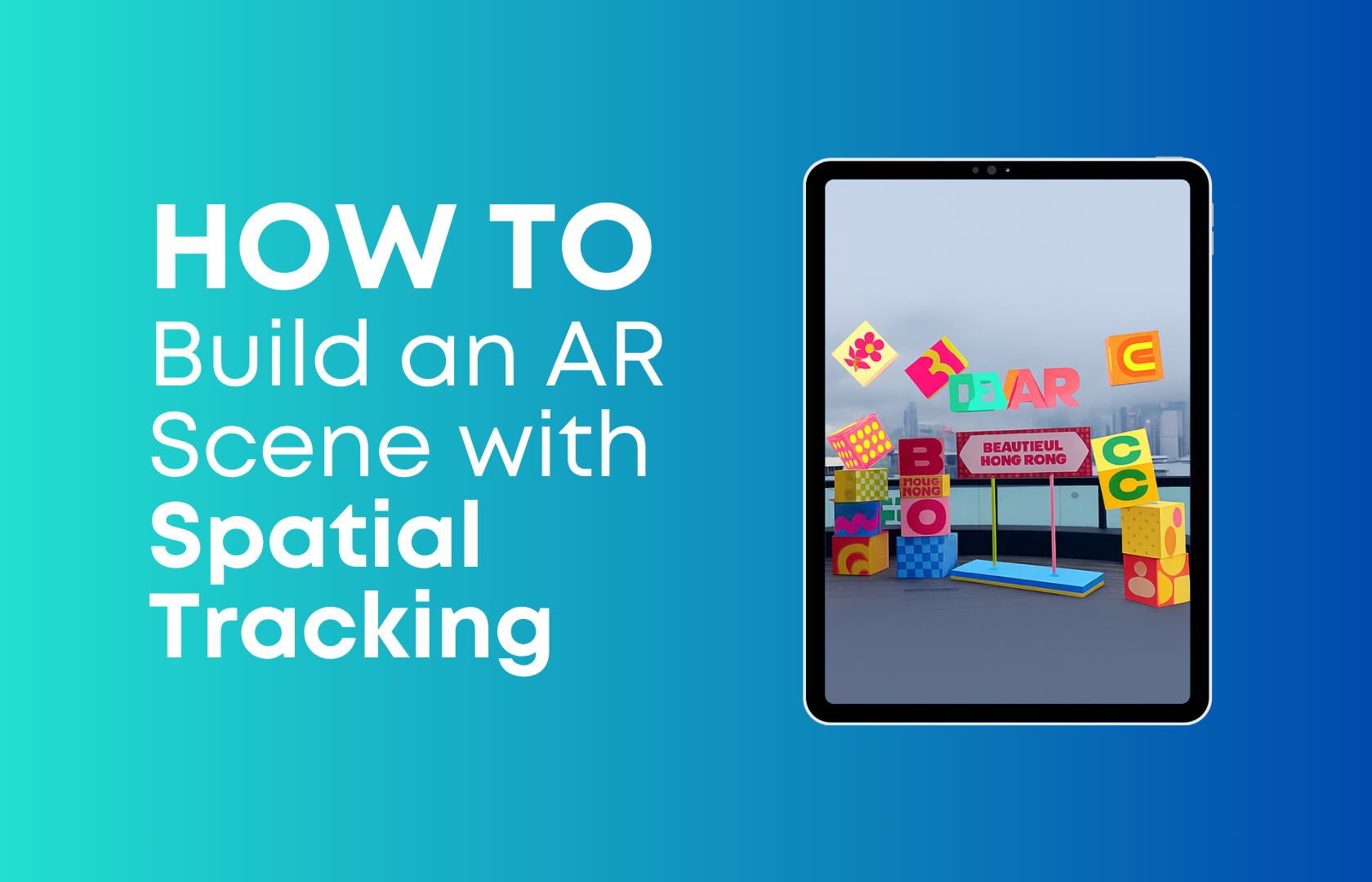
What it does: Links AR content to real-world volumetric structures: buildings, facades, sculptures, or urban landmarks, without the need for flat image markers.
Why it matters: Spatial tracking enables the creation of large-scale AR scenes, turning entire spaces into immersive scenes. Great for tourism, wayfinding, architecture, cultural storytelling, or urban campaigns.
Where to learn more: Spatial Tracking: A New Chapter in the Evolution of AR
5. AI-generated content (text to 3D, scene elements)
What it does: Uses the AI tools in MyWebAR to create 3D models, animations, voiceovers or backgrounds directly from cues – without the need for design or programming skills.
Why it matters: Brands and instructors can quickly create immersive content – product models, character animations or storytelling, even without the involvement of a technical team. Where such scenes used to take technical specialists several weeks to assemble, now brand managers or marketers themselves can assemble AR content in a few minutes.
Where to learn more: How AI is Powering the Future of WebAR: A Look at MyWebAR’s Innovations
6. Code editor with an AI codewriter
What it does: Programmers on the MyShevAR platform are still loved and respected. We have a code editor specifically for them, where you can place your scripts for AR scenes. You will also find a built-in AI coder on the platform, which can generate scene logic, UI components, animations or game mechanics, even if you are not a developer.
Why it matters: This feature provides design flexibility: you can create custom interactions that go beyond visual drag-and-drop, while still enjoying the benefits of automation.
Where to learn more: MyWebAR platform updates: Code editor now features an AI codewriter
How these features work together
MyWebAR combines code-free simplicity with immense creative power. Use stencil plugins for visual effects, curved tracking for packaging, 3D and spatial tracking for precise real-world anchoring, AI tools to scale content, and the code editor to customize behavior. Mix and match to create product demos, brand activations, city-scale overlays, educational scenes, or interactive storytelling.
All tools work in the browser, and most are available in the Pro or Ultimate plans.