We are entering an era where digital layers no longer live “inside the screen.” Augmented and mixed reality glasses promise to make information a natural part of the world around us — layered over architecture, products, exhibits, and workplaces. This is becoming possible thanks to progress in compact displays for glasses (more than 50 companies worldwide are working on them now, including Google, Samsung, Meta, Snap, Amazon, Microsoft, and others) and new input methods, where any nearby flat surface — a table, your knee, a folder — becomes a surface for tapping and text entry, with gesture recognition taking care of the rest. These directions are actively developing in academic work and engineering prototypes, laying the foundation for comfortable, slim AR/MR devices of the next generation. Not to mention controllers, hand tracking, eye tracking, and many other wonderful inventions.
We can safely assume that in just 3–4 years AR glasses will begin to be used at scale around the world, much like smartphones once entered our lives.
But the key question for business is: what content will actually “resonate” in glasses? Below are 12 ideas for what the experience might look like tomorrow, and what you can sketch out today in a browser with WebAR — specifically on the MyWebAR platform — so you arrive at glasses with ready-made scenarios.
1. The city as “textbook and guide”
Tomorrow in AR glasses. When you approach a façade or monument, you see a layer of stories, reconstructions, route hints, and “hot spots” for interaction — content is “attached” to a volumetric object.
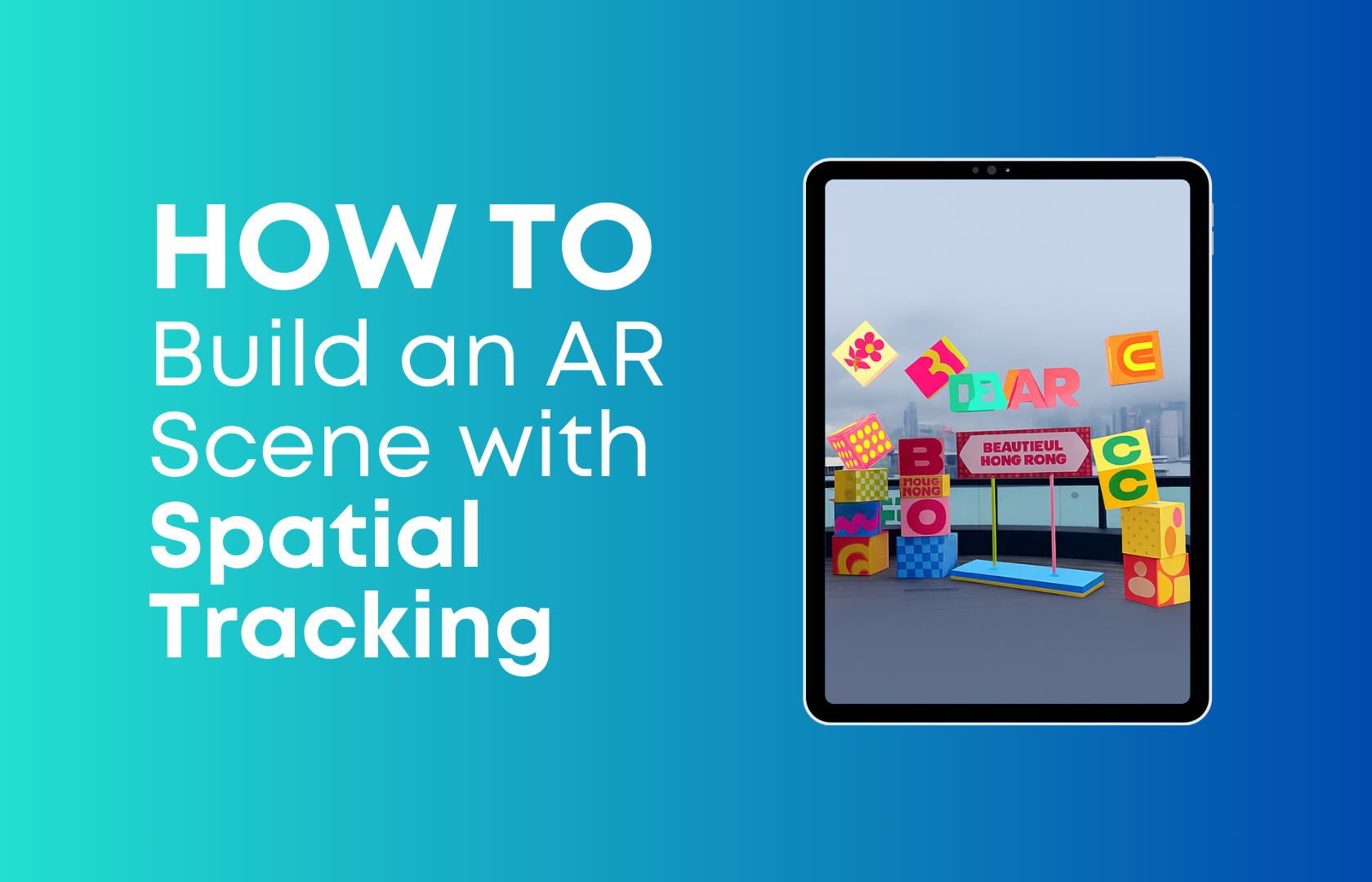
Do it today in WebAR. Spatial tracking on the web lets you anchor scenes directly to a building or sculpture: create an “anchor” from the real object and place videos, models, and buttons within it. MyWebAR has a clear how-to on scanning/anchoring and a detailed overview of use cases how-to on scanning/anchoring and a detailed overview of use cases.
2. “Talking” packaging and shelf
Tomorrow in AR glasses. With a glance at the package, the shopper gets a recipe, ingredient origins, taste pairings, a quick coupon — all hands-free and scanner-free.
Do it today in WebAR. WebAR on packaging already works as a low-cost, controllable “screen”: recipes, surveys, dynamic offers, brand storytelling — and all of it updates without reprinting the physical package. Strong cases and examples are in MyWebAR materials on AR marketing, e-commerce, and retail.
3. Stadiums, festivals, exhibitions: a living stage
Tomorrow in AR glasses. In the stands you see stats and replays over the field; at a concert — synchronized effects; at a booth — a “portal” to new realities.
Do it today in WebAR. WebAR launches easily by QR, with no apps — navigation, quests, mini-games, a brand mascot, sponsor activations, collectible souvenirs after the match/show. A set of concrete scenarios is in the MyWebAR event playbook
4. Textbooks and “on-desk” labs
Tomorrow in AR glasses. Anatomy, chemistry, mechanics — at 1:1 scale on the desk; tasks by voice and gesture; the teacher launches a shared scene that students see from their own side.
Do it today in WebAR. Volumetric models, tasks, and quests in class and at home — WebAR already delivers “wow + usefulness” without purchasing equipment. See the selection “17 ways to use AR in education” and examples from universities.
5. Production “hints” and on-the-job training
Tomorrow in AR glasses. Assembly steps, safety marks, and contextual prompts are “attached” to equipment; the operator works hands-free while the system “understands” the object.
Do it today in WebAR. Web scenes over 3D anchors of the object: step-by-step instructions, video fragments, knowledge checks. This is already feasible with 3D object tracking and spatial anchoring. An overview of technologies and cases is in the 3D and spatial materials.
6. Navigation in campuses, museums, and malls
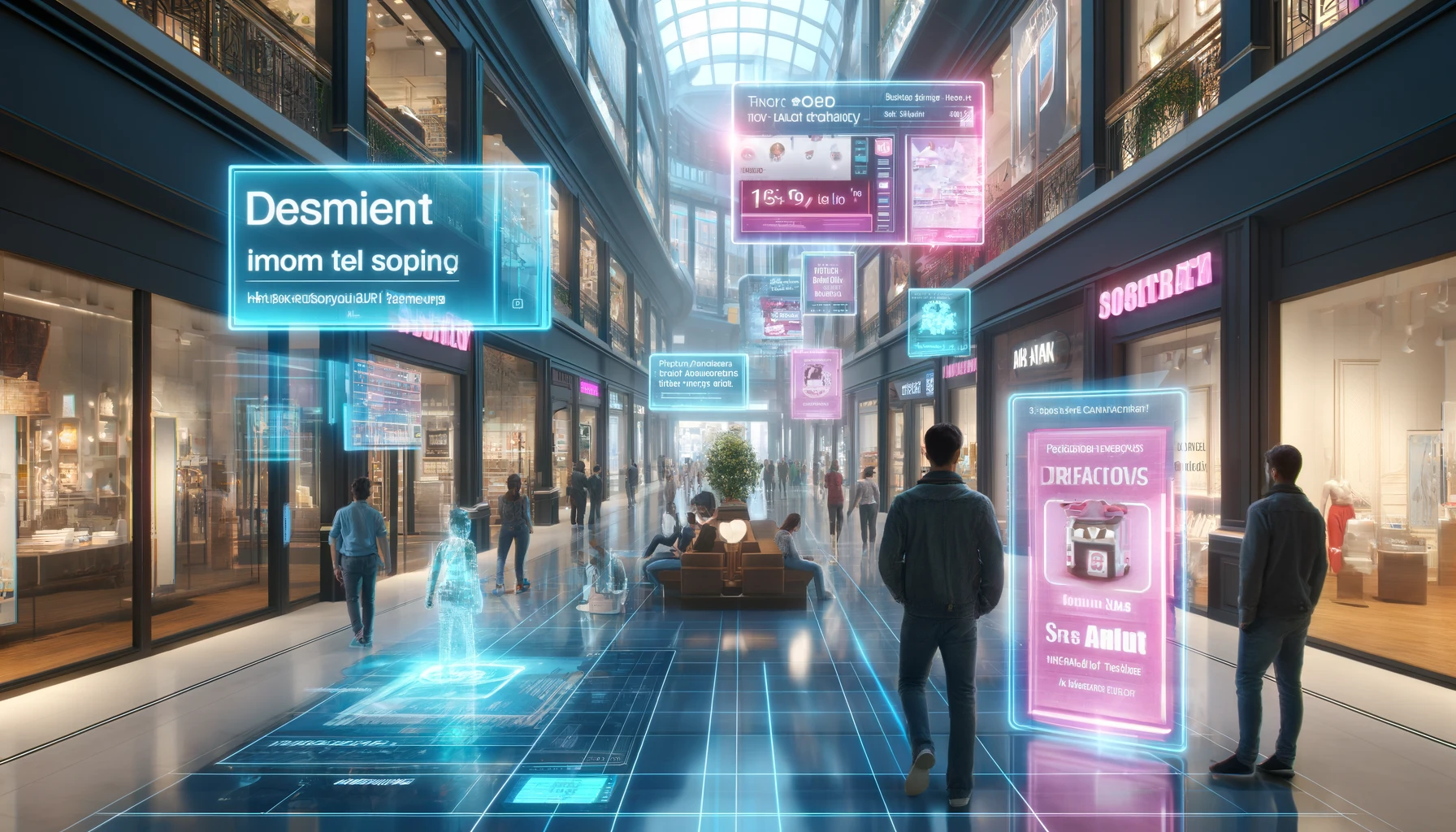
Tomorrow in AR glasses. “Arrows” and route tips appear directly in space; near a display — a layer with specs, prices, and comparisons.
Do it today in WebAR. Zone marking, exhibition quests, “talking” shop windows and posters — all these elements can already be assembled in the browser. Look for ideas in next-gen marketing articles.
7. Retail scenes: compare and choose
Tomorrow in AR glasses. At the shelf, the shopper gets a “live” card: how to use, what it pairs with, reviews, a quick offer — and perhaps even an instant virtual try-on on your hologram.
Do it today in WebAR. Short scenarios work great in retail: a mini guide, pairing/recipe, flavor vote, “save to wallet.” See “10 unusual ideas for retail.”
8. Museums and public art
Tomorrow in AR glasses. Exhibits “come alive” next to the original, audio guides are synchronized to your position, and outdoor installations add a layer of play and story.
Do it today in WebAR. The same — already on the web: AR layers on exhibits, “portals,” interactive quizzes, city routes with spatial anchors. See realized ideas in our articles.
9. Architecture and development
Tomorrow in AR glasses. On a construction site — the future façade on the real volume; on the property — a “firmware” of engineering information.
Do it today in WebAR. Spatial tracking of buildings already lets you place 3D layers and visualizations of future renovations right on facades.
10. Books and publishing
Tomorrow in AR glasses. A cover “tells” the story; characters step into the room; the purchased book unlocks interactive chapters and reader participation in scenes.
Do it today in WebAR. Covers and spreads with AR layers, booktrailers, and assignments — all are quickly assembled as web scenes; examples are in educational materials and case studies.
11. Restaurants and menus
Tomorrow in AR glasses. You see the real portion size, ingredients, and drink pairings — right at the table.
Do it today in WebAR. A QR-launched browser menu: portion visualization, ingredient descriptions, instant language switching — a typical “quick” scenario for F&B. Ideas are in retail selections and marketing articles.
12. Transparency and sustainability
Tomorrow in AR glasses. Recycling tips, ingredient origins, and a product “journey map” appear next to the item when you look at it.
Do it today in WebAR. These “long” stories don’t fit on a label — but they live perfectly in a WebAR scene: origin maps, recycling advice, verifiable facts, and links.
Why this will actually be convenient in glasses
For AR content not to “break” reality, the wearable display itself must be light, with the right transparency and strong image stability. That is exactly what developers of future mass-market glasses are working on: shrinking optics and power demands while keeping readability and depth. And input in AR is no longer limited to “poking the air”: there is research where an ordinary flat surface becomes a convenient “input desk” for MR — fast typing, gestures, taps — which greatly increases the practicality of on-the-go scenarios.
Content for glasses isn’t about “another screen,” it’s about the right layers over the world. Those who start testing scenarios in the browser today will come to mass AR/MR devices with ready formats, data, and metrics — and will take the “front shelves” in the new spatial attention economy.