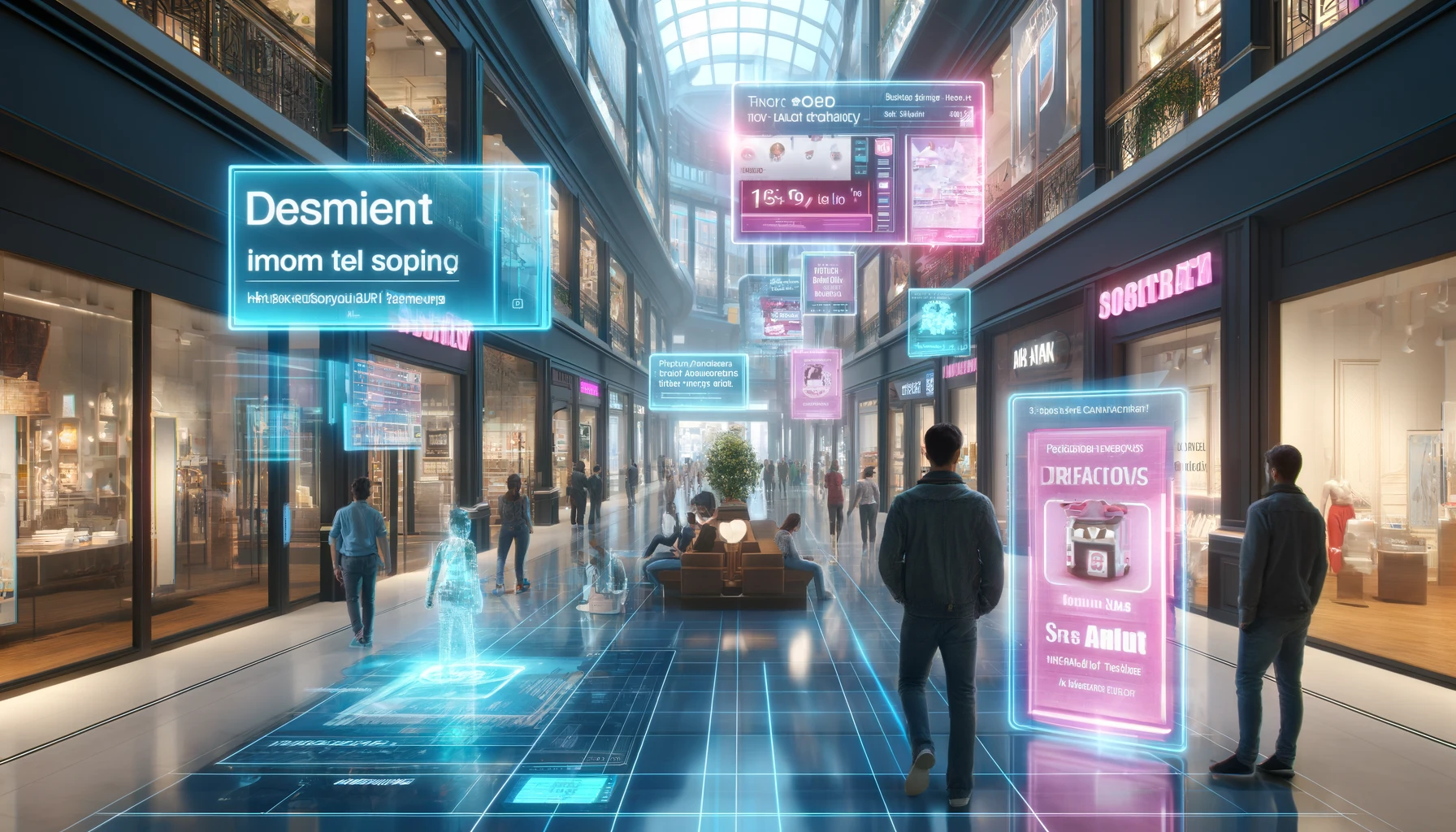
A guide for those who want to turn plans and renderings into measurable outcomes: sell faster, align decisions faster, build faster, and commission assets faster. All scenarios are browser-based (no app), designed for phones and tablets today, and compatible with glasses tomorrow.
Why it matters for business
Real estate and construction are long funnels with a high risk of error and an expensive cost of rework. AR removes friction at three key points:
- before the visit. Helps people understand the asset in context and speeds up booking a viewing;
- during approvals. Makes choices clear: materials, layouts, engineering;
- on site and in operations. Brings building information modeling and regulations into real space, reducing defects and improving safety.
One more crucial point: today you can launch web AR directly in a mobile browser. No apps, just a smartphone and internet access, and the AR experience appears right in front of you.
Why it’s easier now: AI tools in the hands of marketing
Over the past two years, AI-based tools have significantly democratized AR. Draft 3D objects and styles are generated and edited from text prompts, models from project documentation are easily optimized for the browser, and scenes are assembled from ready-made templates and prompts. This means marketing and brand teams can launch pilots on their own, quickly update content, and test hypotheses without involving niche digital agencies. Agencies still matter for complex creative and integrations, but the barrier to entry and the cost of experimentation have dropped sharply: from idea to the first version can take hours, and no programming skills are required.
11 Practical Ideas for Developers, Architects, and Builders
Below are 11 practical ideas for developers, architects, and builders. For each: what it is and how it works.
1. AR presentation of your property
What it is. Attention, marketing teams of developers! This is a new channel to advertise your property. Immersive, three-dimensional, and clear.
How it works. MyWebAR clients are already using this communication channel, presenting the property in augmented reality: the exterior view of the building, main entrance groups, clubhouse amenities. You can immerse people in the atmosphere of your building with AR.
2. AR tour of an apartment or office before the visit
What it is. A full-scale or scaled view of the layout in the real environment with navigation through rooms and key points.
How it works. Scan a QR code from a listing or landing page, the scene loads in the browser, there’s quick onboarding, and people can jump to key points (kitchen, window view, bathrooms). This lets a person take a one-minute walk through the future space and imagine their life inside it. And most importantly – no apps. A smartphone and internet are enough.
3. “What-if” layouts: alternative space scenarios
What it is. Switching between options: studio/1-bed, open-plan/private offices, moving partitions.
How it works. The scene includes a toggle for options, highlighting of the zones that change, and short functional labels. The user “lives” through different scenarios and chooses with both heart and mind.
4. Full-scale furnishing and style packs
What it is. Rapid virtual staging of empty spaces. Base sets of furniture and finishes for typical scenarios (minimalism, loft, soft modern, Nordic, high-tech, etc.).
How it works. Turn presets on/off, drag and place several key objects, and check to make sure they don’t overlap one another. Empty square meters instantly become a lived-in space.
5. Daylight and sun path: “how the light lives”
What it is. Visualization of the sun’s path and illumination by time of day and season, taking into account window orientation and surroundings.
How it works. A time slider, hints for “morning/day/evening” and “winter/spring/summer/fall,” and an approximate shadow from neighboring buildings. The buyer literally feels how the light lives in the apartment. Just imagine – you can now demonstrate this clearly with augmented reality.
6. Surroundings and routes: “the city around the property”
What it is. A lightweight map overlay with walking routes to transport, schools, cafes, and sports spots.
How it works. Points of interest and 3–5 mini-scenes with “stories” about the neighborhood. The surroundings come alive with routes and stories, giving the property meaningful context.
7. Materials and finishes: an interactive selector
What it is. Comparing wall/floor/facade finishes at real scale: tile vs. parquet, matte vs. gloss.
How it works. Tap a surface → a menu of samples → instant replacement. Right next to it you can place tips on care and service life. The client sees the material not on a rendering, but on their own wall.
8. Kitchen layout in AR using manufacturer models
What it is. An end-to-end kitchen planning experience that lets buyers place their configured cabinets, appliances, countertops, and hardware at true scale in their actual room before they buy.
How it works. Start from the furniture maker’s existing 3D library or export from an existing web configurator. The customer scans a QR code in a showroom or on the website, and the configured kitchen loads in the mobile browser, aligning to walls and floor. They can switch cabinet widths and heights, swap modules, finishes, and handles, check door and drawer clearances. No app required, just a phone and internet. Most kitchen manufacturers already have the necessary 3D models, so delivering the same configuration in AR is just one step away.
9. Systems and appliances “in the palm of your hand”
What it is. Visualization of connection points, household appliances, and cabinets with real dimensions.
How it works. A “cutaway” mode in the scene with pop-up hints and links to instructions. Technology stops being intimidating: everything is visual and at hand. This approach works well at industrial sites, where augmented reality has long been used to study complex mechanisms and step-by-step procedures. Why not bring this experience into our homes and apartments?
10. Instructions for customers: assemble furniture without paper manuals
What it is. Step-by-step assembly of furniture and consumer products in augmented reality right at home, with no multi-page paper instructions.
How it works. Scan the QR code on the box, and a step-by-step scene opens in the mobile browser with highlighted fastening points, animated sequence of actions, “done” checks, and tool tips. You can zoom in, rotate, pause, and return to any step; a toggle is available for different modifications. Fewer mistakes, fewer nerves, and less paper. Nature will thank you.
11. Orientation for tenants and employees
What it is. Evacuation routes, rules for building systems, and meeting-room booking, right on the spot.
How it works. Floor-by-floor navigation, hints, and built-in feedback forms. People get oriented faster and feel the building’s care for them.
Phones today. Glasses tomorrow
All the scenarios above work in the browser right now, no app installation: smartphone + internet = AR. This is especially relevant for real estate because decisions are made with body and eyes: scale, orientation, light, furniture fit, and the “feel of place” matter. AR delivers this even before the visit, right where a person sees a listing, a layout, or a construction fence: point your camera at a QR code, and the future apartment or office appears in the real environment.
For the developer and broker, this means a warmer lead at the outset and fewer “empty” viewings. For architects and project teams, it means faster approvals without endless render iterations: it’s harder to argue about hypotheticals when an option can be placed at full scale and walked through. For builders and operations teams, it means clear “on-site” prompts when information appears exactly where it’s needed. And all of this without an app, without training, and without waiting, a familiar phone gesture turns a plan into an experience.
In 3–4 years, consumer AR glasses will make these scenarios even more convenient: hands free, a wider field of view, and an interface that doesn’t distract from the task. The content you create today for the phone screen will migrate to glasses with almost no extra effort: the same models, the same scenarios, the same points of interest. Teams that start training users in spatial patterns now will be the first to reap dividends tomorrow: a ready, working base of 3D objects and presets, faster approvals, fewer reworks, higher sales velocity, and better operational quality. Real estate is one of the most obvious domains where AR delivers value today: show, understand, and decide, before you even open the showroom door.