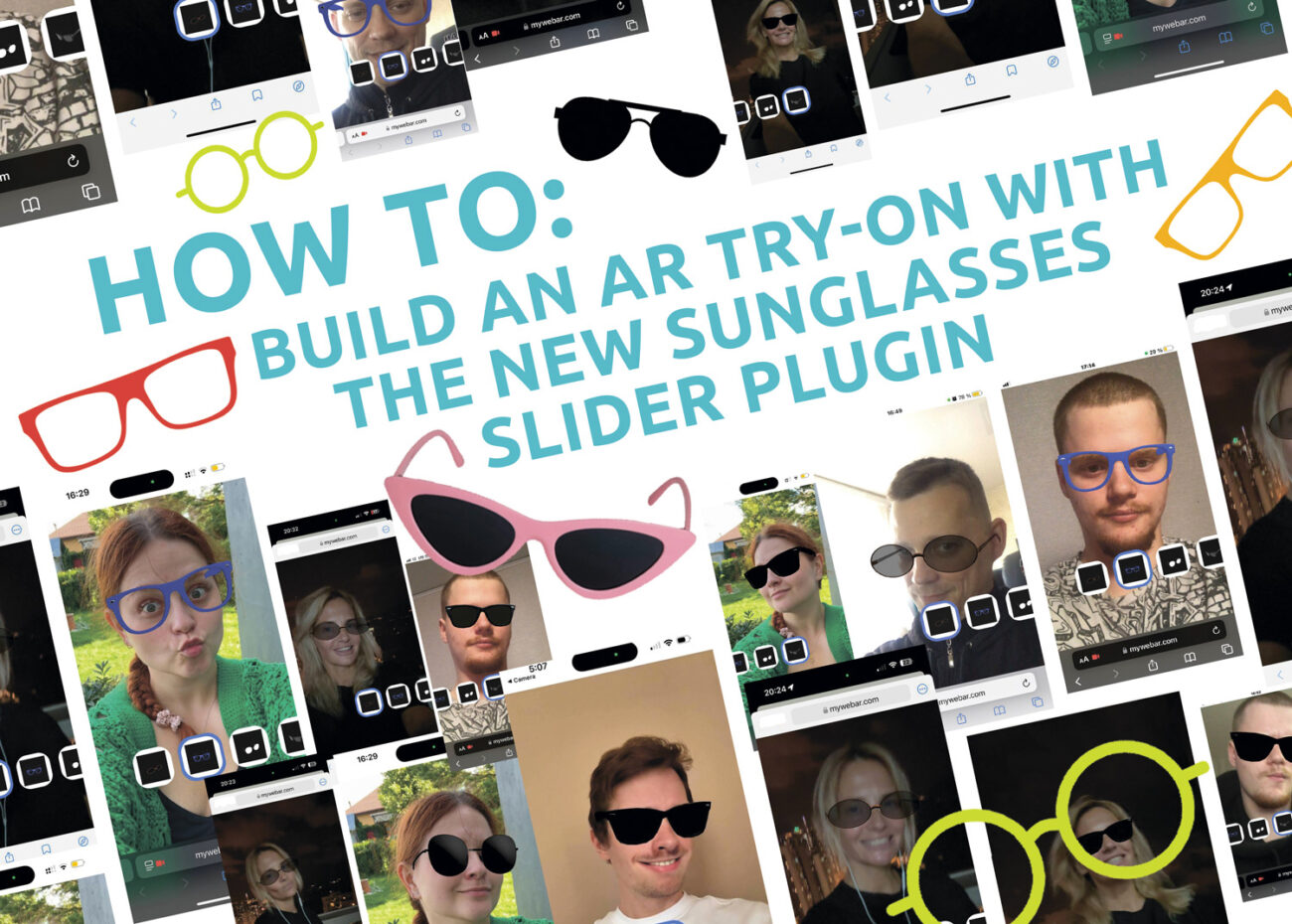
Buying glasses online is tough without a fitting room. That’s why we built Sunglasses Slider: a simple WebAR try-on that lets people flip through several frames in seconds and see what actually fits. It runs in the browser, so no apps, no special setup.
What you’ll prepare
You’ll need four lightweight 3D models of sunglasses in .glb format and four matching thumbnails (one per model). If you’re just experimenting, grab sample models on Sketchfab. Keep files light so phones don’t freeze.
Step 1—collect the 3D models
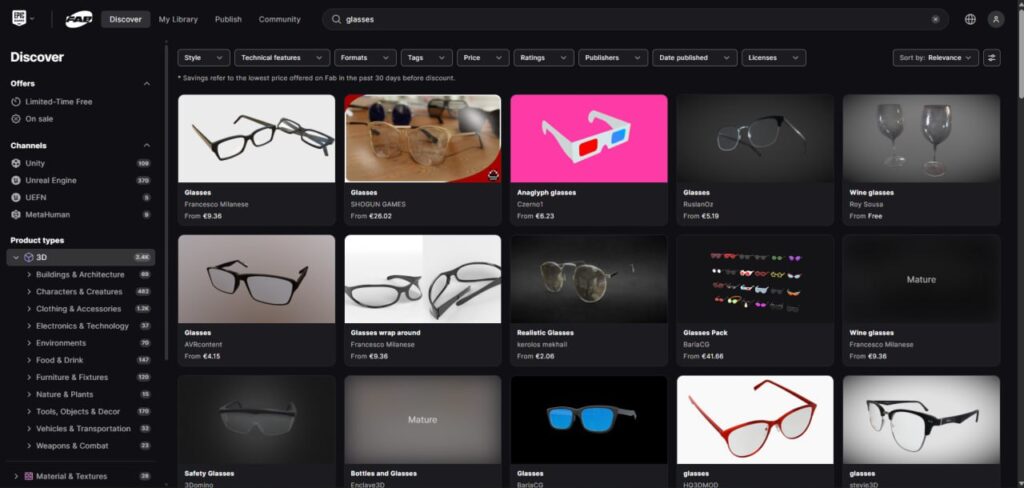
Head to Sketchfab, search for sunglasses, and download four models in .glb. Name them clearly: classic_black.glb, retro_tortoise.glb, sport_mirrored.glb, etc.
Step 2—make the thumbnails
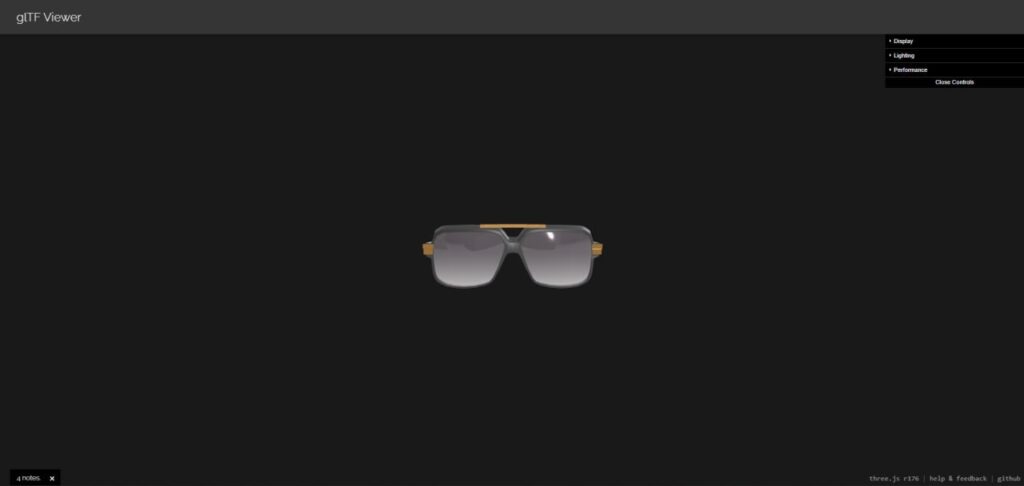
Open a web viewer like glTF Viewer. Load each .glb, rotate to a flattering angle, take a screenshot, and save as 512×512 PNG or JPG. Name them to match the models, e.g., classic_black_thumb.png.
Step 3 — create a project in MyWebAR
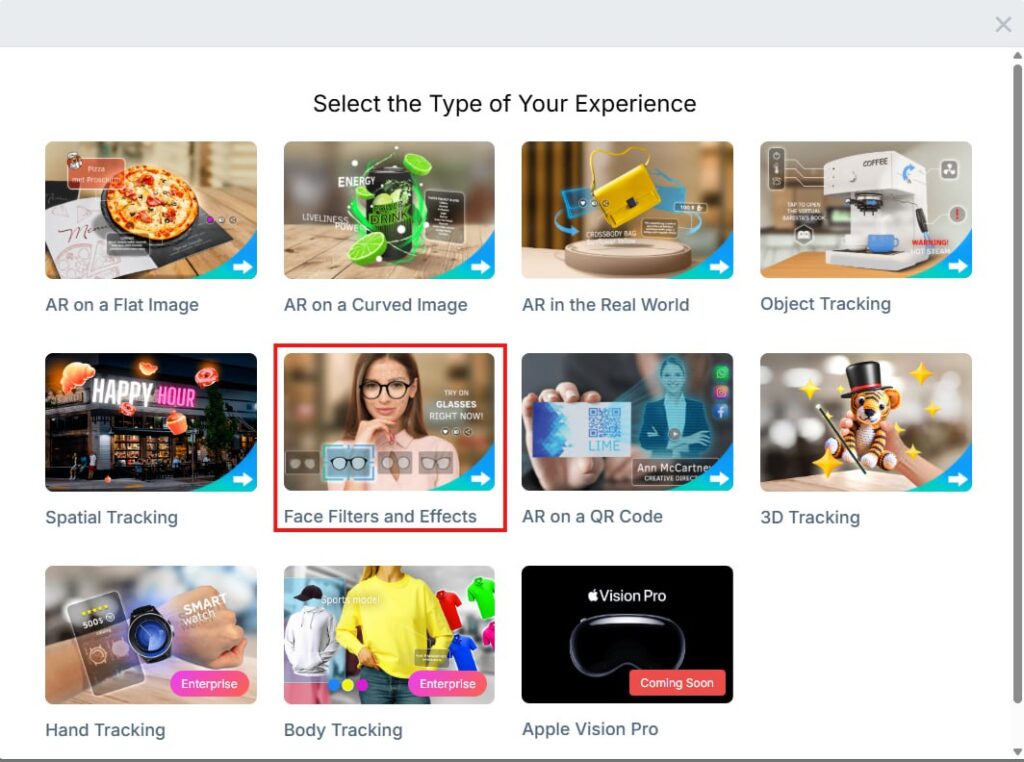
Log in, click Create Project, and choose the tracking type Face Filters and Effects. Open the editor. Face tracking will place frames on the head automatically, so you don’t have to line anything up by hand.
Step 4—add the plugin
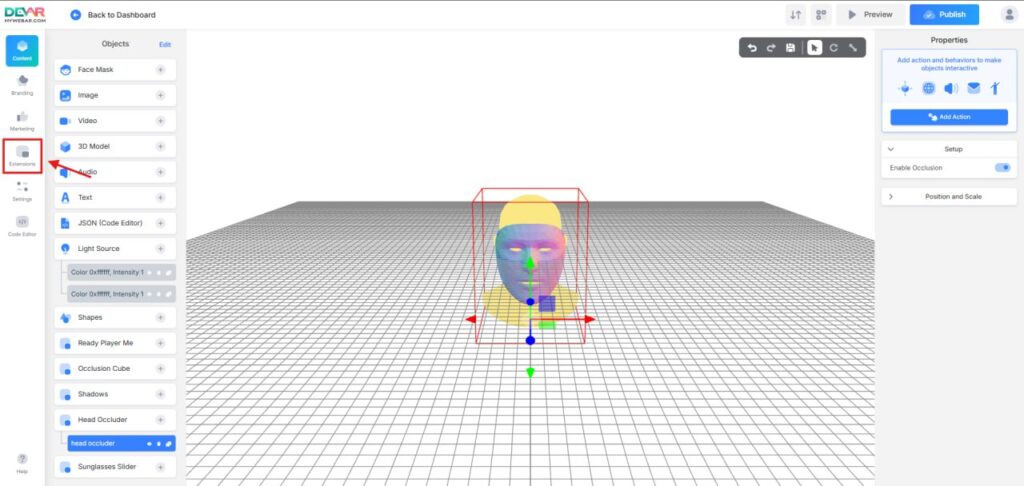
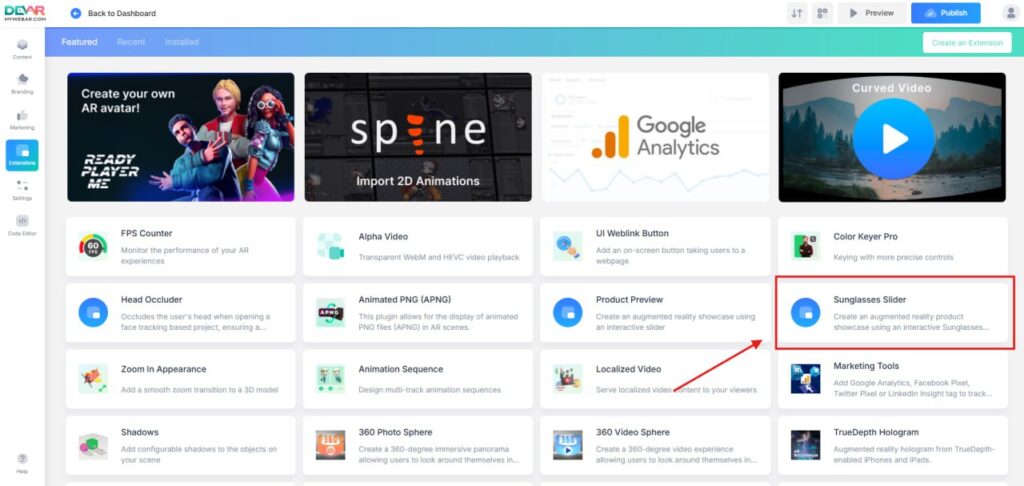
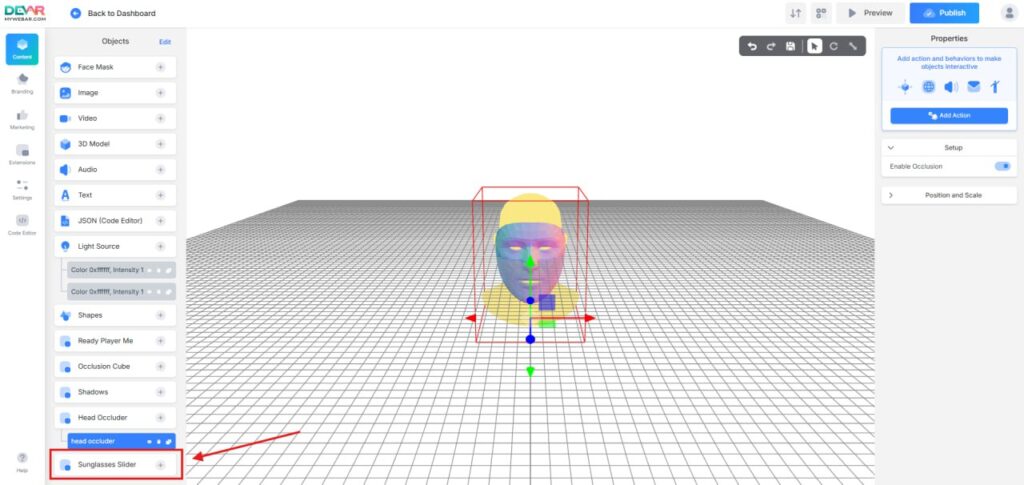
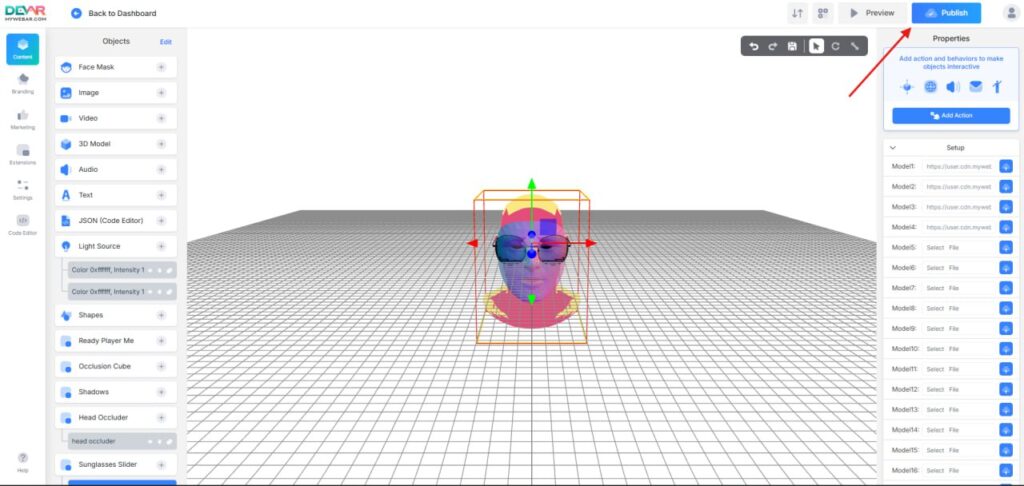
In the left sidebar, open Extensions, find Sunglasses Slider, and install it. Then go to Objects and press “+” to add the plugin to your scene.
Step 5—set up the slider
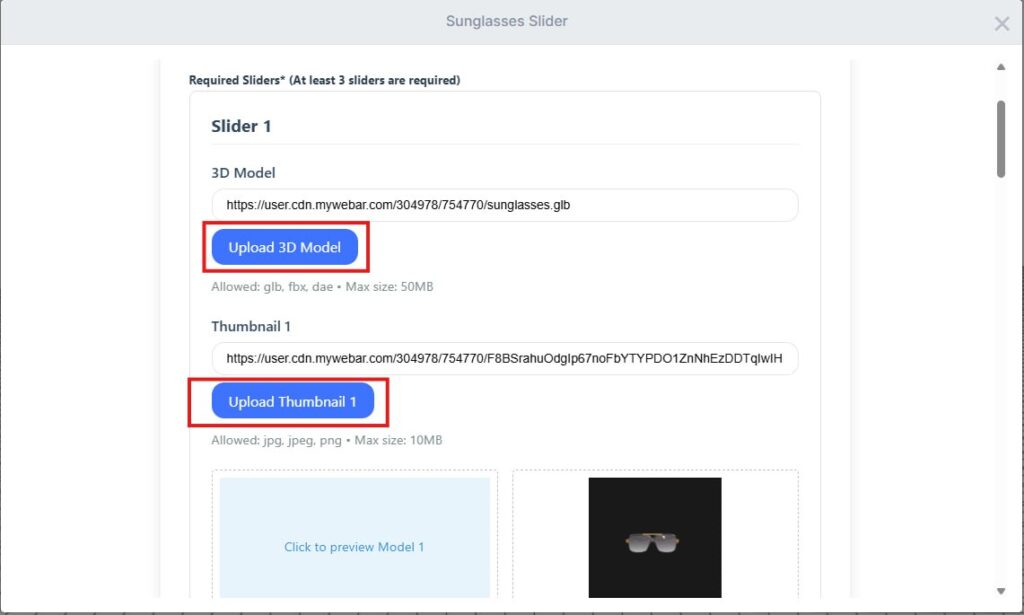
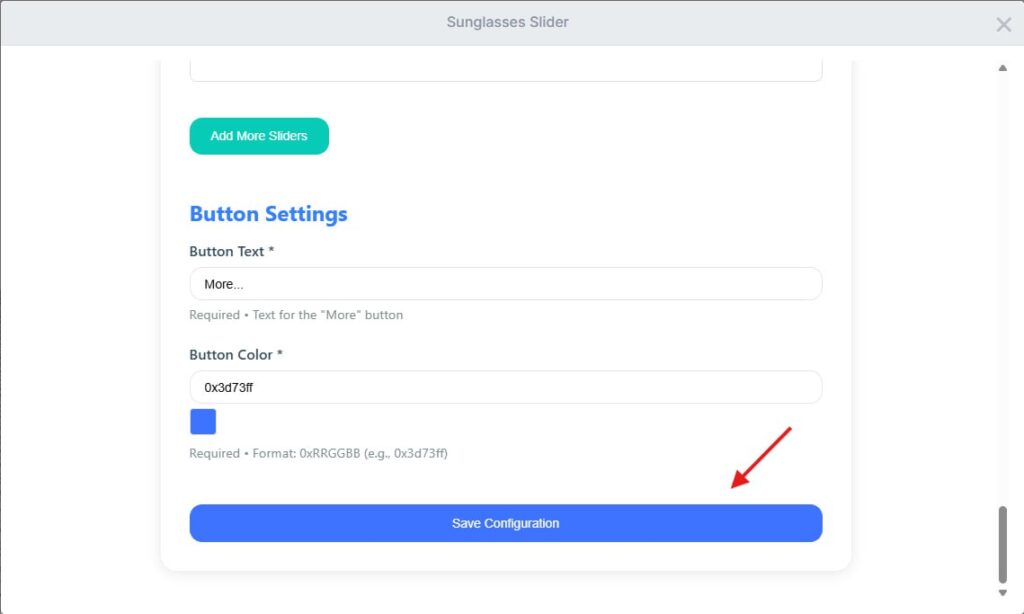
For each slide, upload the .glb model and the matching thumbnail. Do this for all four frames. When everything looks right, click Save Configuration.
Step 6—publish and try it on
Click Publish to go live. Open the link on a phone and test like a real customer: switch between frames, check the fit, and see how it behaves in different lighting.
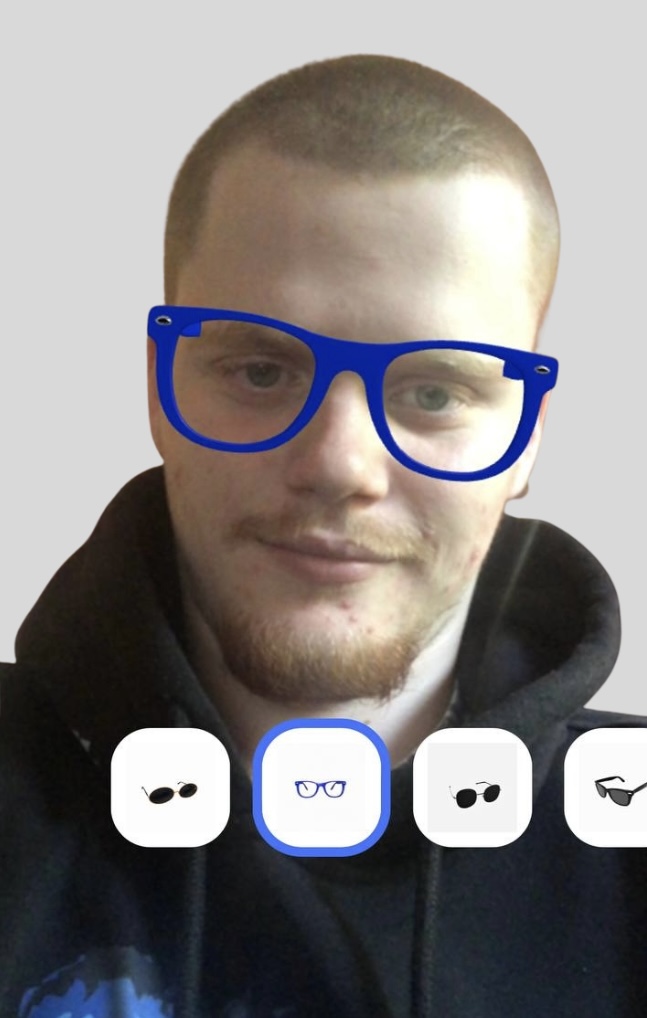
Here’s an example you can explore:
Why teams like this flow
It works in any modern mobile browser, there’s no code to write, and swapping models or thumbnails takes minutes. Shoppers can compare several frames quickly, which reduces second-guessing and speeds up decisions.
Quick fixes if something feels off
If a model looks huge or tiny, re-export the GLB with the right scale and try again. If materials look wrong, make sure textures are packed into the GLB. If older phones stutter, simplify geometry or reduce texture sizes.
That’s the whole setup. Four models, four thumbnails, one publish. You’ve got a clean AR try-on that feels natural and is easy to maintain.